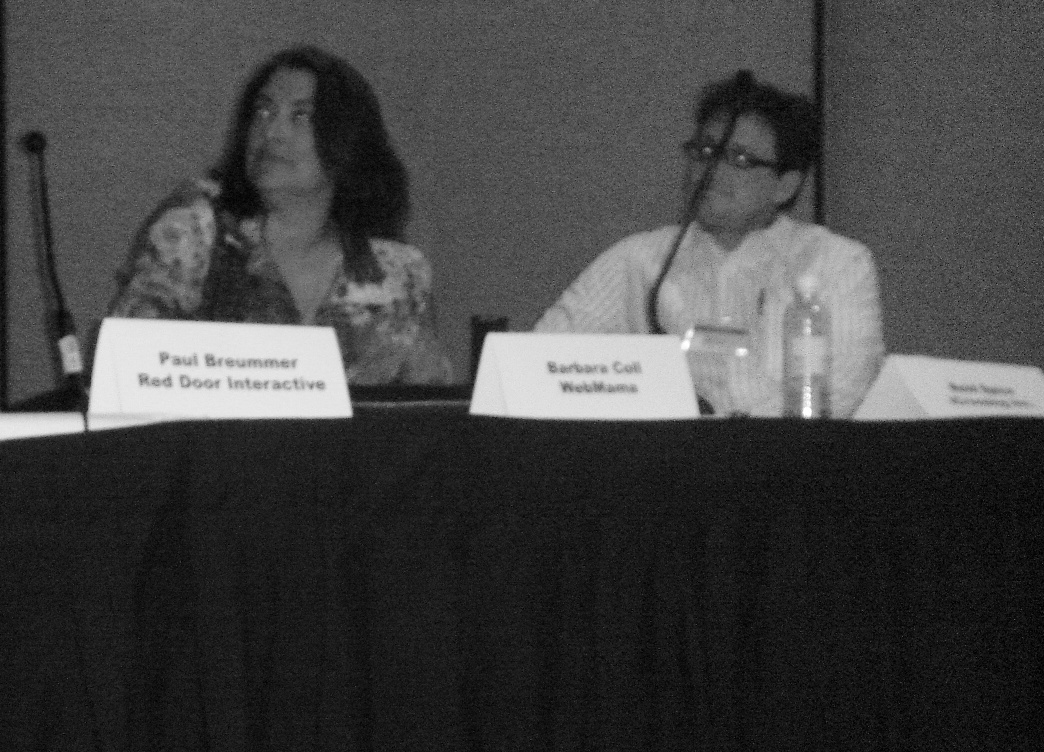
Marissa Mayer, Vice President, Search Products and User Experience at Google, was keynote speaker at the recent Searchnomics 2007 conference in Santa Clara.
She walked us through recent developments at Google, and pointed to what she considers the cooler stuff Google is working on – or - the future of search; specifically automated translation and voice recognition. All things that open up the power of the Web to more users are cool to Google.
Here are my favorites:
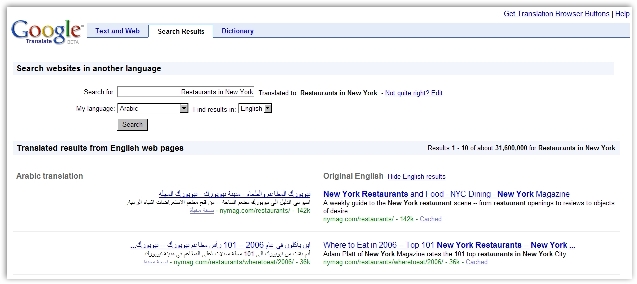
CLIR is a new Google product that will translate search queries from one language to another, run a search using the second language, then spit out the results in the original language.
The example Mayer gives is searching for “Restaurants in New York” in Arabic. As it turns out, there is no information on the Web about restaurants in New York written in the Arabic language – lots in English though…
And this is where Google’s CLIR comes in.
CLIR translates the query into English, searches the index and finds the most relevant pages, then offers results in Arabic and English, side by side.
Voila! Information that was once inaccessible to certain people suddenly becomes much more accessible.
Read the “Search without boundaries” post on the official Google blog. (May 23, 2007)
Google Book Search
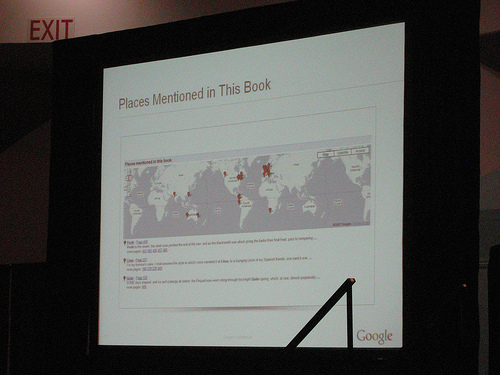
Photo credit to Jeremiah Owyang, Jeremiah on Flickr
Working with 16 major libraries and publishers, Google is still determined to bring all books online and make them searchable. A recent addition to Google Books is metadata (information about information).
Although this doesn’t mean you will be able to read every book online (think copyright), what it does mean, is you will be able to search for a book, then, using Goog’s other services, find a copy based on location (be it from a bookshop or library).
Google have also added an “About this Book” section, meaning you can look at reviews, references from Web pages, and references from other books.
Another cool feature is you can look up places mentioned in this book, with pop outs available pointing to the page where the location was mentioned.
Official Google Blog entry “Books Mapped” (January 25, 2007)
(Also known as Google Voice Local Search)
411 (in case you are not familiar with the US way of things), is a call to the operator of your telco service – the place to get information.
When you ring 1-800-GOOG-411, Google takes your voice and converts it to text, does a search, and spits back results via SMS. It even offers to connect you free of charge (you only pay your provider costs).
However, the stuff happening in the background is way cooler. By assembling an array of voices, that lead to better voice detects than are currently available, Google is laying the foundation for its voice recognition software to be used across a range of Google product, for instance, using it over video to pull out transcripts. Of course, the more people that use the service, the better Goog will understand the sound discrepencies.
This service is still in beta, and is only available in English, in the United States
If you want to learn more, check out the GOOG411 discussion group
Google Video
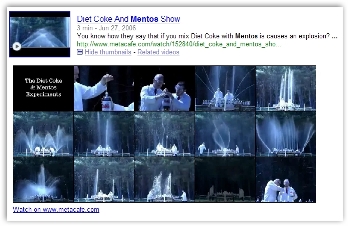
At the moment, when you search for video on the Web, you are presented with a thumbnail image of the video that is related to your search. Soon, and Mayer expects this is likely in the next year or two, you should be able to do a video search and get not only a thumbnail, but also a transcript.
In addition to voice search, Googlers are working on visual search, which will allow the searcher to look at a filmstrip (various images from the video – see pic above), that will hopefully allow the user to see at a glance whether the video is what they are searching for, although Mayer expects this will happen after voice.
More about changes in Google Video at Google Blogoscoped
Universal Search
Video, books, images, and news are now included in Google’s search results. It’s called Universal Search and debuted a couple of months ago. See Danny Sullivan’s Google 2.0 article at Search Engine Land for more detailed information.
According to Mayer, the idea is to present to users an almost encyclopedic experience.
Right now, only certain Google services are used, but Mayer expects more of their data, such as blogs, to appear soon.
Google Maps

Photo credit to Jeremiah Owyang, Jeremiah on Flickr
You can now use Google Maps to look at traffic results in real time. Mayer shows us that heading down a certain highway at the end of Searchnomics is a mistake – huge delays.
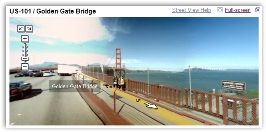
She also talks about the Street View, explaining how useful it is for those people heading to a new restaurant/bar/café, giving the example of the Olympic Club in San Francisco. Instead of driving around in the rain, she checks street view and knows exactly what she needs to look for when she gets there.
Google Grant Ventures
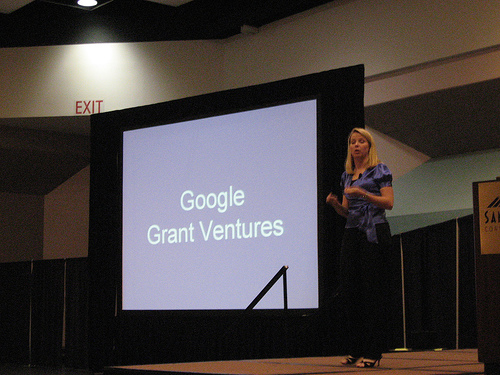
Photo credit to Jeremiah Owyang, Jeremiah on Flickr
Today Mayer announced Google Gadget Ventures which provides two types of funding:
The first tier grants are for $5,000 to people who have built gadgets that Google would like to see developed further. You need to have 250,000 page views per week to be eligible to apply.
The second tier is a seed investment of $100,000 to developers who would like to build a business around Google gadgets. You need to have been granted tier one to be eligible for tier two.
For more information, check out Google Gadget Ventures FAQ’s and if you’re interested in building your own, check out the ‘how to’ page, at Goog Gadgets API Developer Guide
Mayer explained that Google Gadgets allows lay people to create their own product, and gives the example of young Caleb Eggensperger, a google gadeget maker who has 6.5 million page views per week…I guess this means he is definitely eligible to apply for tier one grants.

 Subscribe